
Available now

Automation & API

Rules that act on your data, signed webhooks and a REST API for your own systems.

14 features in 3 groups. Included in Professional, Enterprise and Business (founding rate)
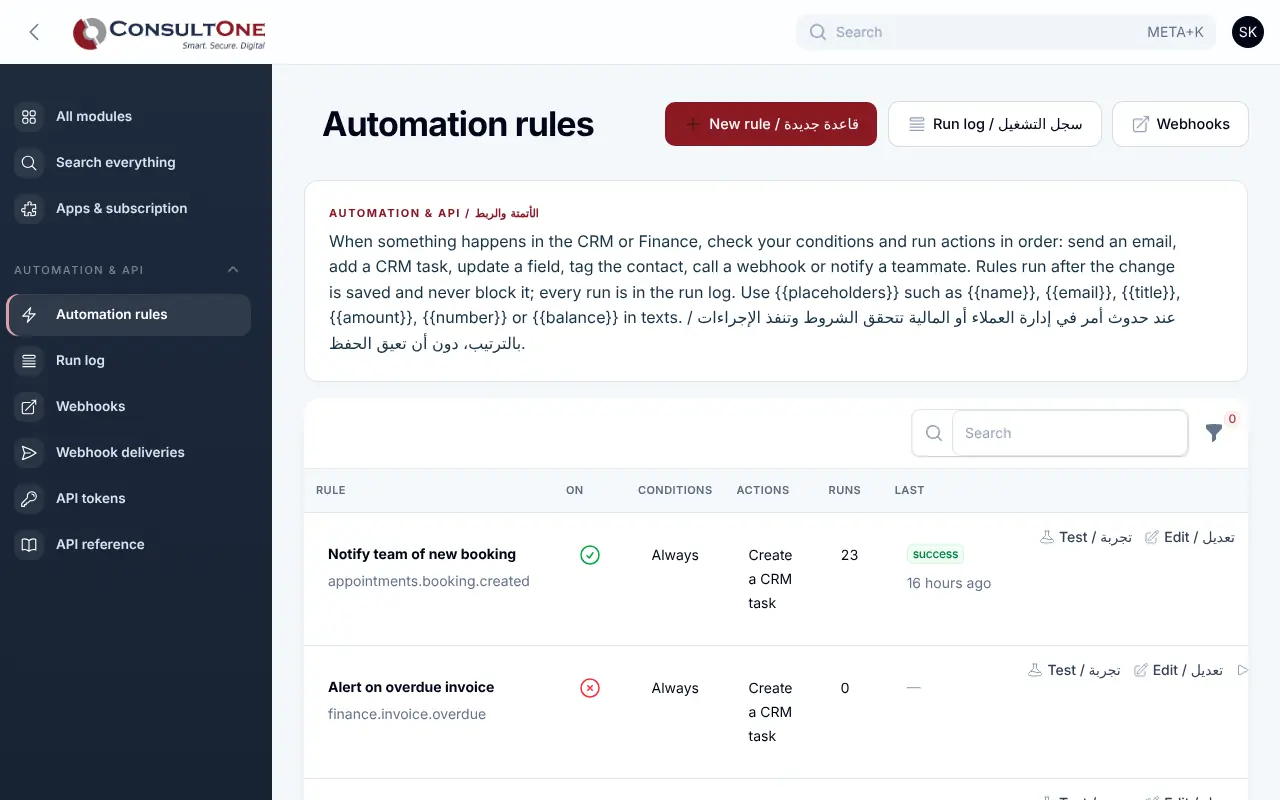
Automation & API in the Portal, with the sample company Demo Trading Co.

The same steps by hand after every deal, invoice and booking, and other systems that cannot see your data.

With Automation & API

When something happens in the Portal — a contact is added, a deal is won, an invoice is paid or goes overdue, an appointment is booked — a rule checks your conditions and runs its actions in order. Webhooks send the same events to Zapier, Make or your own systems, and the REST API lets them read and create CRM and Finance records with tokens you control.

  1. Rules5 features
  2. Webhooks4 features
  3. REST API v15 features

Group 1 of 3, 5 features

Rules

  • Triggers: contact added or changed; deal created, moved, won or lost; CRM task overdue; invoice issued, paid or overdue; appointment booked or cancelled; every morning
  • Up to 15 conditions: equals, contains, greater or less than, empty, changed to
  • Up to 10 actions in order: send an email, create a CRM task, update a CRM field, add a tag, notify a team member, call a webhook
  • Test a rule on a sample record before switching it on
  • Run log with the result of every action; loop protection and hourly email limits
Rules in the Portal, with the sample company Demo Trading Co.

Group 2 of 3, 4 features

Webhooks

  • Endpoints subscribed to the events you choose
  • Every request signed with HMAC-SHA256 and a timestamp
  • Retries with growing delays; an endpoint that keeps failing is switched off
  • HTTPS to public addresses only; delivery history and a test ping

Group 3 of 3, 5 features

REST API v1

  • Contacts and deals: list, read, create, change and move between stages
  • Customers and invoices: list and read, and create draft invoices
  • Tokens with scopes (CRM read or write, Finance read or write) and an optional expiry date; shown once, stored hashed
  • Rate limits with the remaining count in every answer
  • OpenAPI description and an API page inside the Portal
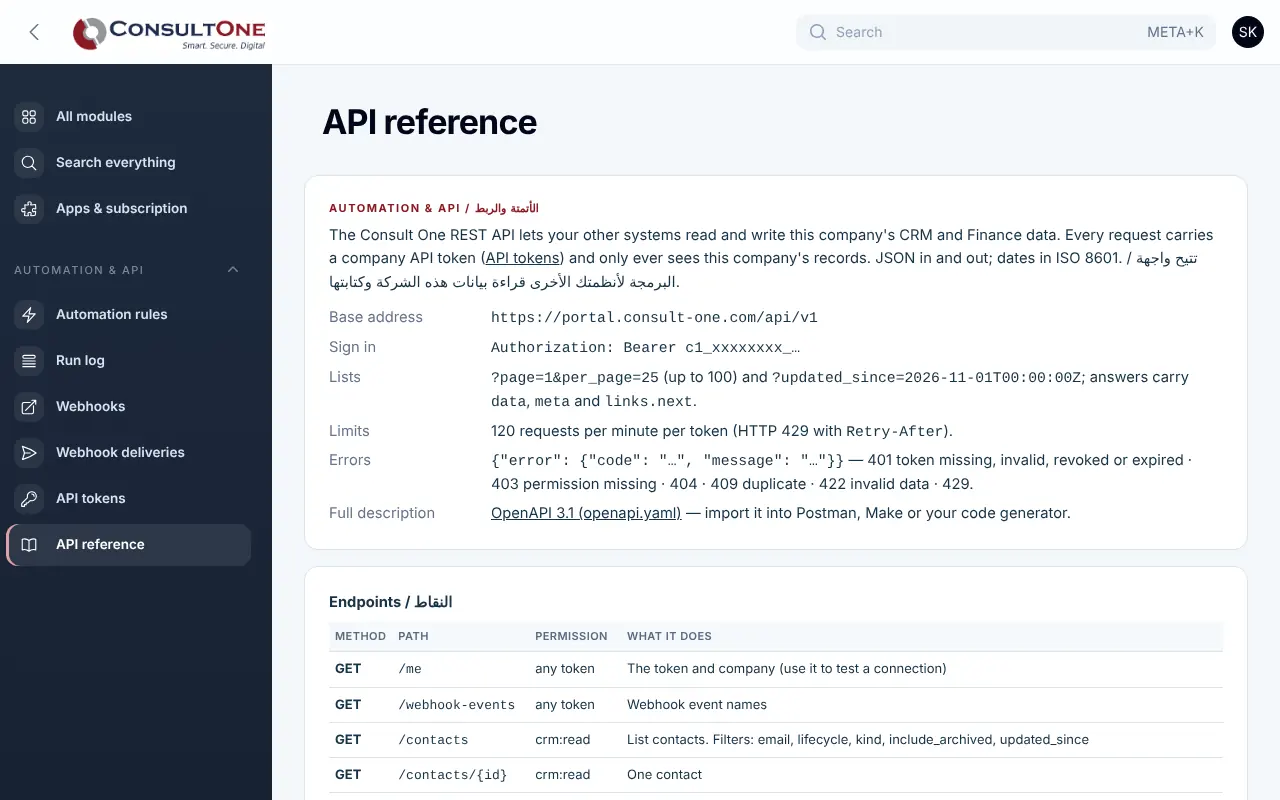
REST API v1 in the Portal, with the sample company Demo Trading Co.

How it works

  1. Pick a trigger

    For example, an invoice becomes overdue.

  2. Add conditions and actions

    Only large invoices; email the customer and create a task.

  3. Test, then switch on

    Check the run log as it works.

Settings and security

Settings you control

  • Rules on or off
  • Webhook endpoints and their events
  • API tokens, scopes and expiry
  • Managed by owners and administrators

Your data stays your company's

  • Every company has its own separate books that no other company can see.
  • Two-step sign-in is required for owners and administrators.
  • Access by role: owner, administrator, accountant, staff, read only.

Plans that include it

Plans that include this app are marked. Every self-service plan starts with a 14-day free trial.

Prices in Jordanian dinars per month.

Questions before you start

Can a rule break the change that started it?

No. Rules run after your change is saved; any action that fails is written to the run log.

How do I check a webhook really came from the Portal?

Recompute the HMAC-SHA256 of the timestamp and body with your endpoint secret and compare it with the signature header.

Open your workspace today

14-day free trial, no card needed. Two-step sign-in is on from day one.

More in Reports, automation and mobile